
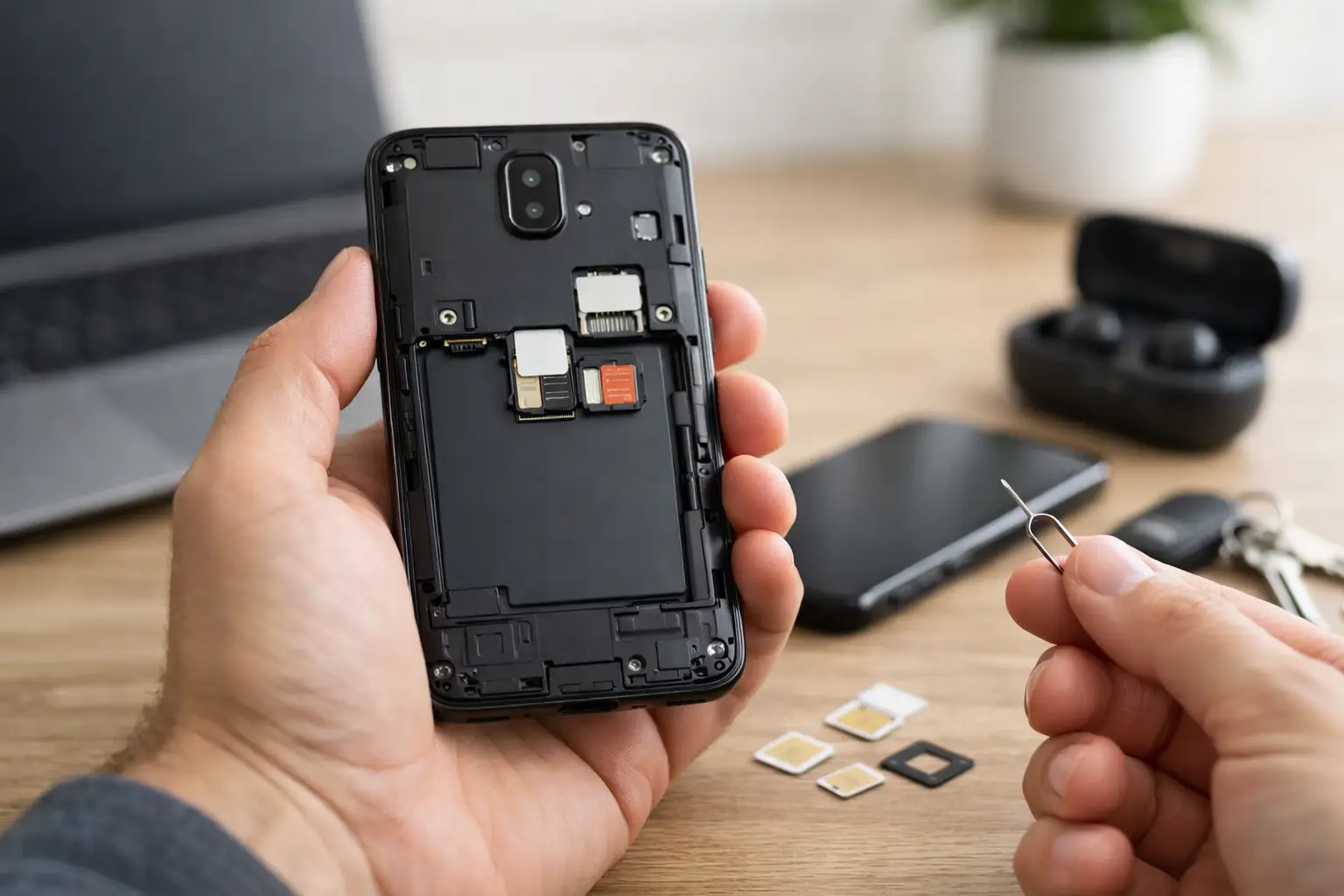
A phone marked “unlocked” can give you more freedom, but unlocked phone buying is not as simple as choosing the lowest price on a screen. The best deal is a phone that works on your carrier, has a clean history, holds a dependable charge, and still fits the way you use it every day. A bargain is not a bargain if it cannot activate, has hidden damage, or needs an expensive repair next month.
For shoppers in St. Charles and the greater St. Louis area, a certified pre-owned unlocked phone can be a smart way to replace a broken device without taking on a large carrier payment. The key is knowing what to check before you hand over your old phone, move your number, and rely on a new device for work, school, family, and everything else.
Why Buy an Unlocked Phone?
An unlocked phone is not tied to one carrier. Instead of being limited to the network where the phone was originally sold, you can generally activate it with a compatible carrier of your choice. That flexibility is useful when you are switching providers, joining a family plan, traveling, or buying a phone for a student who may need a lower-cost prepaid plan.
It can also make the phone easier to resell later. A carrier-specific device has a smaller pool of potential buyers. A carrier-unlocked iPhone or Samsung Galaxy can appeal to customers on several major networks, provided the model supports the bands and features that network uses.
There is one trade-off: freedom does not guarantee compatibility. “Unlocked” means there is no carrier lock preventing activation. It does not mean every model will support every carrier’s network, eSIM system, 5G coverage, Wi-Fi calling, or advanced calling features. That is why checking the exact model matters more than trusting a label alone.
Unlocked Phone Buying Starts With Compatibility
Before comparing storage sizes, colors, or camera features, confirm that the phone will work where you need it to work. Ask for the exact model number and the phone’s IMEI, which is the unique identifier used to check activation status. Your carrier can verify whether that model is eligible for its network and whether the IMEI is clear for activation.
This step is especially useful when buying a phone that was originally made for another country or another carrier. Some international models may work for basic calls and data but miss the cellular bands that provide strong coverage in your area. Others may not support eSIM, which matters if your current phone plan uses digital activation instead of a physical SIM card.
If you are moving from an older phone, check the type of SIM your new device needs. Many newer iPhones use eSIM activation in the United States, while some Android models may support a physical SIM, eSIM, or both. A reputable seller should be able to explain what the phone supports and help you avoid buying a model that creates an activation headache.
Check Whether the Phone Is Paid Off and Clear
A phone can be carrier-unlocked and still have problems. If the previous owner stopped paying for the device, reported it lost, or filed an insurance claim, the IMEI may be blocked or blacklisted. That can prevent activation even if the phone looks perfect and powers on normally.
Ask whether the device has a clean IMEI and whether it is free of a carrier financing balance. When possible, verify the IMEI with your intended carrier before the sale is final. Do not rely on a screenshot, a verbal promise, or an online listing that says “clean” without any way to confirm it.
Activation Lock is another critical check for iPhones. The previous owner must sign out of their Apple Account and remove the device from Find My before it changes hands. For Android phones, make sure the previous Google account has been removed. A phone tied to someone else’s account can be unusable after a reset.
Look Past the Screen for Real Device Condition
A clean screen is nice, but it is only one part of the phone’s condition. Refurbished and pre-owned phones should be inspected for physical damage, functional issues, and signs of poor-quality past repairs. A small cosmetic scuff may be no problem. A phone with touch dead spots, weak charging, or a failing camera is a different story.
Test the basics before buying when you can. Make a call, connect to Wi-Fi, test the speakers and microphones, open both cameras, plug in a charging cable, and try the buttons. Check Face ID or fingerprint recognition, depending on the model. These parts are easy to overlook until they become part of your daily routine.
Battery health deserves the same attention. On many iPhones, battery health is available in Settings and shows the battery’s maximum capacity. A lower percentage does not automatically make a phone a bad purchase, but it should affect the price and your expectations. On Android devices, battery health may be less visible, so ask how the battery was tested and whether there is a return or warranty option if it drains unusually fast.
Signs a Refurbished Phone Has Been Properly Checked
“Refurbished” is not a single condition standard. One seller may use the term for a wiped phone with a new case. Another may inspect components, replace failed parts, test every major function, and stand behind the device after the sale. Ask what work was completed rather than assuming every refurbished phone receives the same level of care.
A properly prepared device should be reset, cleaned, tested, and ready for activation. If parts were replaced, it is reasonable to ask about their quality and whether the repair affects features such as water resistance, display brightness, camera performance, or battery life. A good seller will give you direct answers instead of avoiding the details.
Use This Checklist Before You Pay
Before finalizing your purchase, confirm these five points:
- The exact model is compatible with your carrier and preferred activation method.
- The IMEI is clean, the phone is not reported lost or stolen, and there is no remaining carrier balance.
- The device has been removed from the previous owner’s Apple Account or Google account.
- Core features such as charging, cameras, speakers, microphones, buttons, Wi-Fi, and biometric security have been tested.
- You understand the warranty, return policy, included accessories, and the phone’s cosmetic grade.
That last point can save a lot of frustration. “Excellent,” “good,” and “fair” are seller-defined grades. Ask whether scratches, dents, display wear, or battery condition are included in the grade. Clear expectations make it easier to compare two phones that appear similar but are priced differently.
Compare the Total Cost, Not Just the Sticker Price
A lower upfront price is one of the biggest benefits of buying pre-owned, but compare the full cost of ownership. A phone with limited storage may cost less now and create problems later if you store a lot of photos, videos, games, or work files. A model with a weak battery may need a replacement sooner. A phone without warranty coverage can be more expensive if a hidden issue shows up after a few days.
Also consider how long you plan to keep the device. An older flagship can still be an excellent value, especially for calls, messaging, maps, social media, and everyday photos. But if you need the newest camera tools, longer software support, stronger gaming performance, or all-day battery life under heavy use, paying a little more for a newer model may be the better move.
For many people, the sweet spot is a recent-generation iPhone or Samsung Galaxy in good condition with enough storage, a tested battery, and a straightforward warranty. It delivers the features people actually use without the cost of a brand-new flagship.
Set Up Your New Phone Without Losing What Matters
Once you have selected the right phone, plan the switch before wiping or trading in your old one. Back up photos, contacts, messages, authenticator apps, passwords, and any files stored only on the device. If you use banking apps, smart-home controls, school apps, or work security tools, make sure you can sign in after the transfer.
Keep your old phone powered on until the new one is activated and your number has moved successfully. Then place a test call, send a text, connect to mobile data, and check voicemail. If you are transferring an eSIM, your carrier may require a quick confirmation step. Taking ten extra minutes here is easier than finding out later that an important app or contact did not transfer.
At Mr. Mobile, shoppers can get help selecting a certified pre-owned phone, checking device condition, and getting it set up without guessing through the process alone. That is particularly helpful when a broken phone has turned a normal day into an urgent replacement situation.
The right unlocked phone should feel like a practical upgrade, not another project. Verify the details, choose the condition and storage that fit your life, and buy from a seller prepared to stand behind the device after you leave.