
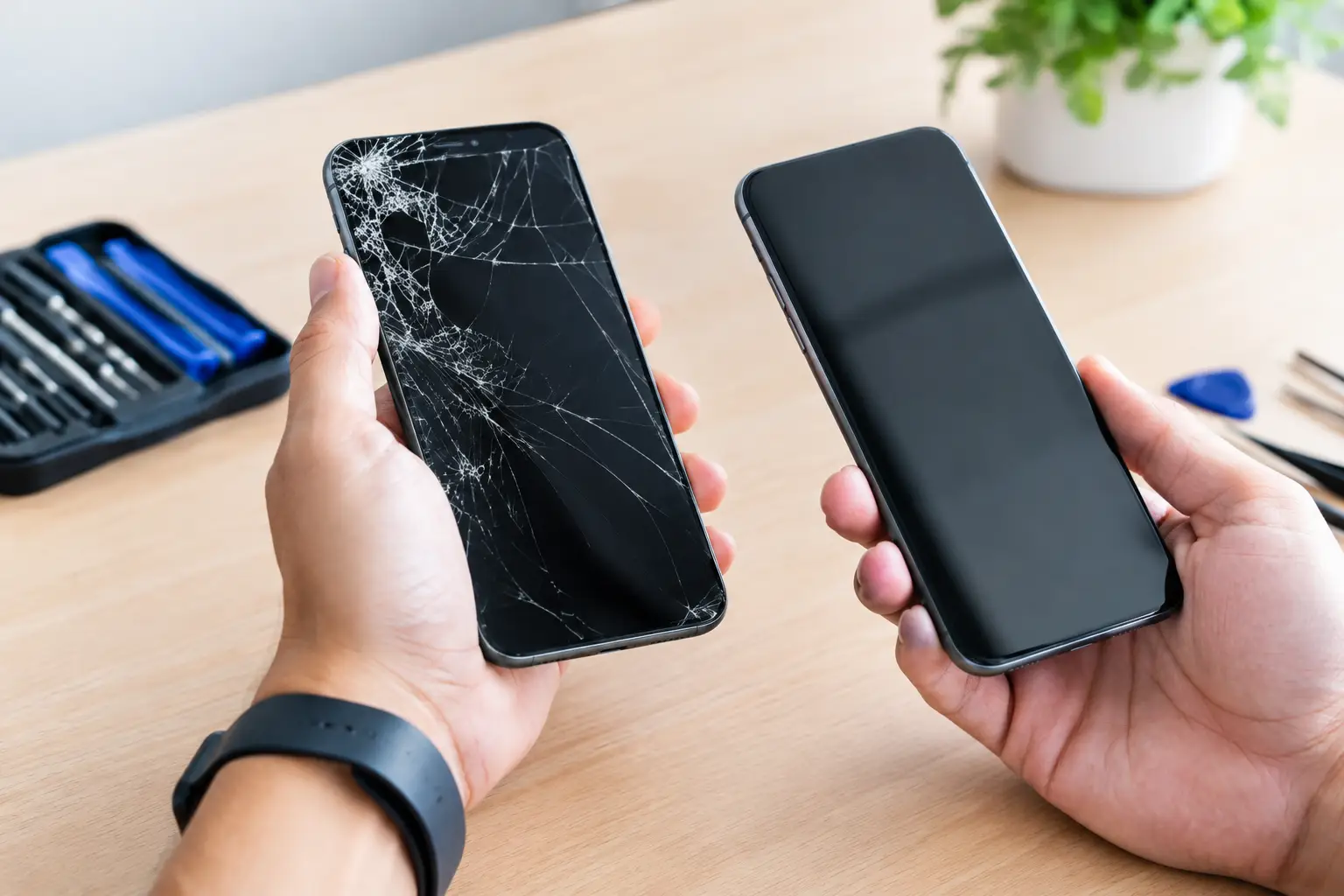
A cracked phone screen changes more than how your device looks. It can make typing painful, hide important information, cut a finger, and leave the phone more exposed to moisture and future damage. A professional screen replacement can get your device back to being useful without the expense, setup time, and hassle of buying a brand-new phone.
For most people, the best decision comes down to one question: Is the device otherwise worth keeping? If it powers on, holds a usable charge, connects properly, and still meets your needs, repairing the screen is often the practical move. A skilled technician can evaluate the damage, explain the options, and help you avoid paying for a replacement device before you need one.
When a Screen Replacement Makes Sense
A screen repair is usually a smart choice when the damage is limited to the display and your device is still reliable. Cracks may look severe while the phone, tablet, or watch itself remains in good working order. Replacing the damaged display can restore clear visibility, normal touch response, and a safer surface for everyday use.
It is especially worth considering if your device is a newer model, has plenty of storage, or is already set up with the apps, photos, accounts, and accessories you use every day. Moving to a new device can involve transferring data, updating passwords, reconnecting services, and learning a different interface. Repairing the screen lets you skip much of that disruption.
The same logic applies to tablets, iPads, laptops, Apple Watches, and some game consoles. A broken display can interrupt schoolwork, remote work, family communication, or gaming, but it does not always mean the entire device has reached the end of its life.
Signs the damage may be more than cosmetic
A cracked outer glass panel is one problem. Display damage underneath can be another. You may need a full display repair if you see black spots, colored lines, flickering, dead areas, or an image that is dim or distorted. Touch problems are another common warning sign. If your phone opens apps on its own, ignores taps, or only responds in certain areas, the display assembly may be damaged.
A drop can also affect components beyond the screen. Cameras, charging ports, buttons, batteries, and internal connections can be affected by impact, even when the crack is the most obvious issue. That is why a free diagnostic evaluation is valuable. It confirms what needs attention before you approve a repair.
What Affects Screen Replacement Cost?
There is no one-price-fits-all answer because every device uses a different display design. Screen replacement pricing depends on the make and model, the type of screen, part availability, and whether other damage is present. A basic older phone generally costs less to repair than a newer device with an advanced OLED display, curved glass, high refresh rate, or integrated fingerprint technology.
The quality of the replacement part matters, too. Low-cost parts can be tempting, but they may have weaker glass, lower brightness, inaccurate color, reduced touch sensitivity, or a poor fit. The least expensive repair is not always the best value if the screen feels noticeably worse after installation.
Professional repair shops use high-quality replacement parts and install them with the tools and care required for your specific device. Ask what is included in the quote, whether the part is designed for your model, and what warranty coverage is available. Clear answers help you compare repair options fairly instead of choosing based on a price alone.
Repair or Buy a Different Phone?
A screen repair is often more affordable than replacing a device, but there are times when buying another phone makes more sense. If your current phone also has a failing battery, charging issues, camera problems, heavy frame damage, or repeated performance trouble, putting money into a display may not be the right long-term decision.
Age matters, but it is not the only factor. An older phone that still receives the software support you need and performs well can be worth repairing. On the other hand, a relatively recent phone with extensive water damage or multiple failed components may not be the best repair candidate.
Consider how you use the device. A student who needs a dependable phone for class and work may benefit from the fastest, lowest-cost fix. A professional who depends on a camera, business apps, and all-day battery life may decide that a refurbished upgrade is the better fit. The right answer should reflect the condition of the device and your budget, not pressure to replace something that can still serve you well.
If repair is not the best path, a certified pre-owned unlocked phone can offer a lower-cost alternative to buying new. It also gives you a convenient way to move forward without being tied to a carrier upgrade decision.
Why Fast, Professional Repair Matters
Living with cracked glass can turn a simple repair into a bigger problem. Even small cracks can spread after another drop, pressure in a pocket or bag, or changes in temperature. Open cracks may also give moisture, dust, and debris an easier path into the device.
Trying to replace a screen at home has trade-offs. Repair kits may seem affordable, but modern devices are tightly assembled and contain delicate cables, adhesive, batteries, and sensors. A small mistake can damage the new display, affect face or fingerprint features, weaken the device frame, or create a more expensive repair.
Professional service gives you a clearer process. A technician checks the device, identifies whether the problem is limited to the screen, uses the correct replacement part, and tests the repair before returning it. At Mr. Mobile, many screen repairs are completed the same day, often in 30 to 60 minutes, depending on the device and part availability.
That speed matters when your phone is your alarm clock, wallet, map, work tool, school connection, and camera all in one. Rather than spending days waiting for a mail-in manufacturer repair or navigating an insurance claim, you can get a straightforward evaluation and a clear repair plan.
Before You Bring in a Damaged Device
If the screen still responds, back up your phone or tablet as soon as possible. A backup protects your photos, messages, contacts, and app data if the existing damage gets worse. If you cannot see or use the display, do not keep forcing it. A technician may be able to help determine the next step.
Remove any case or screen protector only if it comes off easily. Do not pry at broken glass, press down on lifted sections, or use tape as a permanent solution. If glass is loose, keep the device in a protective case or place it somewhere it will not scratch other items.
You should also know your passcode and, if possible, your device account information. Many repairs can be completed without sharing personal passwords, but having access available can make post-repair testing and setup easier when needed. A reputable shop should respect your privacy and explain why any access is requested.
Get Back to a Device You Can Rely On
Screen damage is frustrating, but it does not have to mean starting over with an expensive new device. The best next step is a proper diagnosis that separates a straightforward display issue from hidden damage caused by the drop.
Whether you need a fast screen replacement for your iPhone, Android phone, tablet, computer, watch, or gaming device, choose a repair option that values your time, your budget, and the device you depend on. A clear quote and a careful repair can turn a cracked screen from an everyday annoyance into a problem that is quickly behind you.