
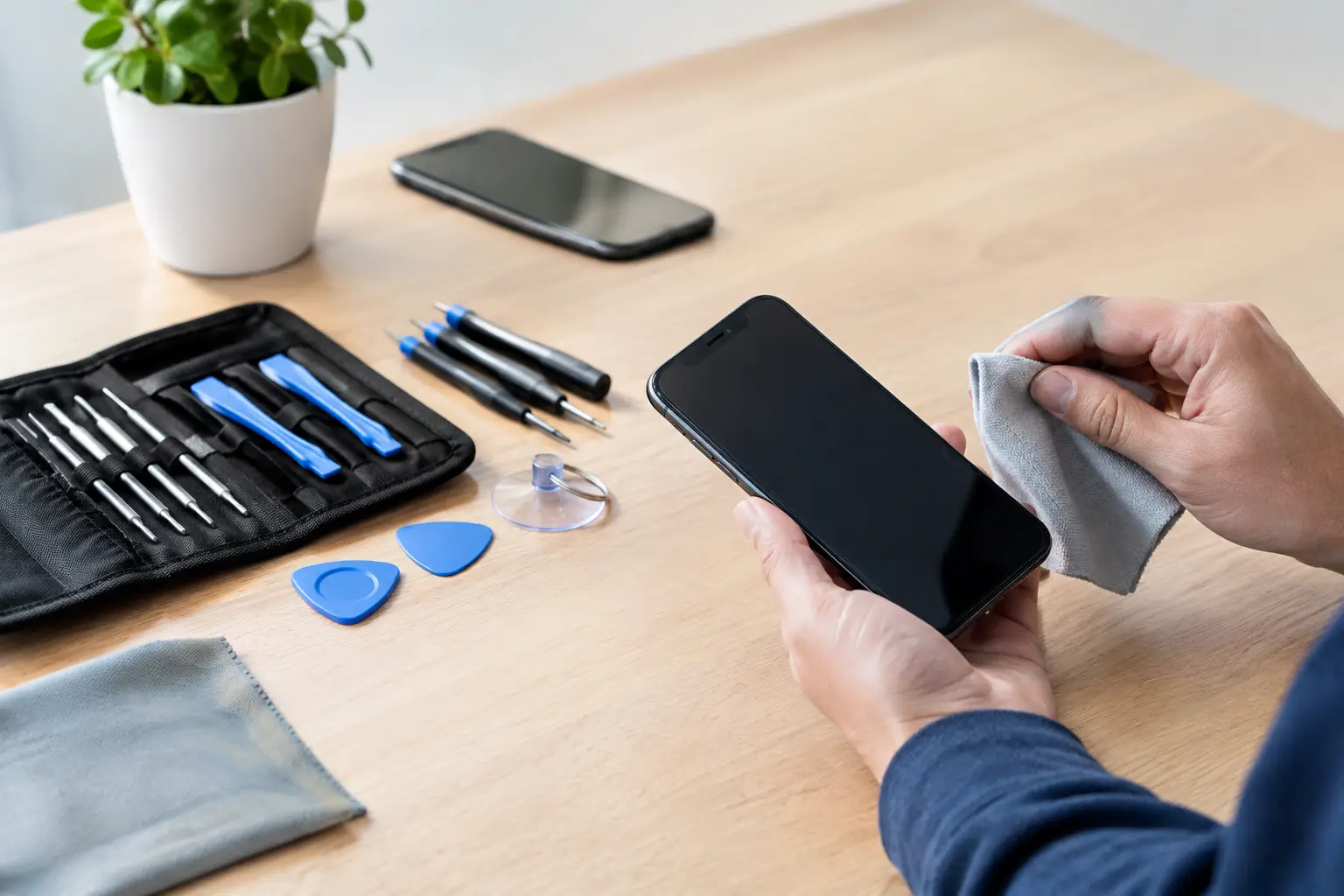
A cracked screen is easy to see. A phone that will not charge, overheats, restarts, or loses signal can be harder to explain. Taking a few minutes to prepare for phone repair gives your technician a clearer picture of the problem and helps protect the information you rely on every day.
Most customers do not need technical knowledge before bringing in a device. You simply need to secure your personal data, gather the right details, and avoid actions that could make diagnosis more difficult. Whether you need a quick screen replacement or help figuring out why your phone stopped working, these steps can help your visit go faster.
1. Back Up Your Phone if It Still Turns On
If your phone is usable, make a current backup before repair. A screen repair usually does not affect your files, but some issues require deeper work. Water damage, storage failures, battery problems, and software troubleshooting can be unpredictable. A backup gives you a safety net for photos, contacts, messages, notes, and app data.
For an iPhone, you can back up to iCloud or a computer. For an Android phone, use your Google account or a computer if you prefer a local copy. Make sure the backup completes before you leave home, especially if your phone has been acting unstable.
If the screen is broken but the phone still responds, try connecting it to Wi-Fi and power first. If it will not turn on or the display is completely unusable, do not panic. Let the technician know what happened and when the issue began. In many cases, restoring power or replacing a damaged screen makes data access possible again.
2. Know Your Passcode and Account Details
Your passcode is often necessary to test your phone properly after a repair. Technicians may need to check the touchscreen, cameras, speakers, charging, cellular service, Face ID or fingerprint features, and apps that need an internet connection. Testing those functions helps make sure you receive a working device, not just a new part.
You do not need to share your main Apple Account or Google account password. In fact, it is usually better not to. Your phone passcode, however, may be needed for testing if you choose to provide it. If you would rather enter it yourself, ask about that option during drop-off or pickup.
Before your visit, confirm that you remember your phone passcode. If your device is locked and you cannot access it, tell the repair team upfront. This does not always prevent a repair, but it can limit what can be tested before the phone is returned.
3. Turn Off Find My and Other Activation Locks When Needed
Activation locks are built-in theft protections. They are valuable when a phone is lost, but they can prevent certain repairs, replacements, resets, or device setup steps. On iPhones, Find My iPhone may need to be turned off for some services. Android phones may have Factory Reset Protection tied to the Google account on the device.
Do not erase your phone just because it needs repair. An erase can remove the evidence a technician needs to diagnose an issue, and it may make data recovery impossible. Instead, ask whether Find My or another security feature needs to be disabled for your specific repair.
If you cannot turn off Find My because the screen does not work, you may be able to manage the setting from another signed-in device. Have your Apple Account or Google account information available, but keep it private unless you are personally entering it.
4. Write Down What Happened Before the Phone Failed
A short explanation can save a lot of diagnostic time. Think about when the issue started and what changed just before it happened. Did the phone fall? Get wet? Stop charging after a cable bent? Begin shutting down after a recent update? Does the problem happen all the time or only in certain situations?
Be specific about symptoms. “It is broken” is understandable, but “it only charges when the cable is held at an angle” tells a technician much more. Mention whether you have already tried another charger, restarted the phone, removed the case, or updated the software.
Also point out any problems that existed before the latest issue. A phone may come in for a cracked display but already have a weak battery, a damaged camera, or spotty charging. Clear information helps separate a new problem from an older one and leads to a more accurate repair recommendation.
5. Bring the Accessories That Matter, Not Everything You Own
For a straightforward screen, battery, or back glass repair, you typically only need the phone. Remove loose cases, pop sockets, card holders, and personal accessories before drop-off when possible. This makes it easier to inspect the device and avoids misplacing small items.
Bring your charging cable and power adapter if the problem involves charging. A phone may charge normally with one cable but not another, and testing with the equipment you use at home can help identify whether the issue is the phone, cable, adapter, or power source.
For Bluetooth, audio, or wearable connection concerns, bring the related accessory only if the technician asks for it or if it is central to the problem. For example, an Apple Watch connection issue may require the paired iPhone, while a console controller issue may require the controller itself.
6. Do Not Try a Risky DIY Fix First
A restart and a known-good charger are reasonable first checks. Beyond that, DIY repair can create a more expensive problem. Phone screens use delicate cables, batteries can be damaged or punctured, and tiny screws are not interchangeable. Adhesives and water-resistance seals also need to be handled correctly.
Avoid forcing a charging cable into a port, digging debris out with metal tools, or continuing to charge a phone that is hot, swollen, smoking, or has been severely damaged by water. If the battery looks swollen or the screen is lifting away from the frame, stop using the phone and bring it in as soon as you can.
A professional diagnosis is especially useful when the cause is unclear. What looks like a dead battery may be a charging port issue. What seems like a bad screen may be a display connector or board-level problem. At Mr. Mobile, a free diagnostic evaluation can help you understand the issue before you decide on the next step.
7. Plan for Your Repair Time and Your Day
Many common phone repairs can be completed the same day, and some take as little as 30 to 60 minutes. Timing still depends on the device model, damage level, needed part, and whether additional issues appear during inspection. A simple screen replacement is different from liquid damage or a phone that needs extensive diagnostics.
Before you arrive, consider how you will handle calls, maps, school notifications, work apps, or two-factor authentication while your phone is being serviced. If you use your phone for banking or work, make sure you can access important accounts from another device. Bring a backup phone if you have one, or plan to check in with family or coworkers before drop-off.
If the repair cost does not make sense for an older device, ask about your options. Sometimes repair is the most affordable way to extend the life of a phone you already know. Other times, a certified pre-owned unlocked device is the smarter choice. The right answer depends on the condition of your phone, the repair needed, and how long you expect to keep it.
What to Expect When You Pick Up Your Phone
When you return, take a moment to test the basics before leaving. Check the display, touch response, charging, speakers, microphone, cameras, buttons, and cellular or Wi-Fi connection. If your repair involved a specific problem, test that too. For example, make a call after a speaker repair or plug in your own cable after a charging repair.
Ask any questions you have about care, warranties, or warning signs to watch for. A quality repair should make your phone useful again, but it cannot erase unrelated wear or prior damage. Knowing the full condition of your device helps you make better decisions going forward.
Preparing for repair is not about doing the technician’s job. It is about protecting your information, giving clear details, and making it easier to get back to the calls, photos, work, and everyday tasks waiting on your phone.