
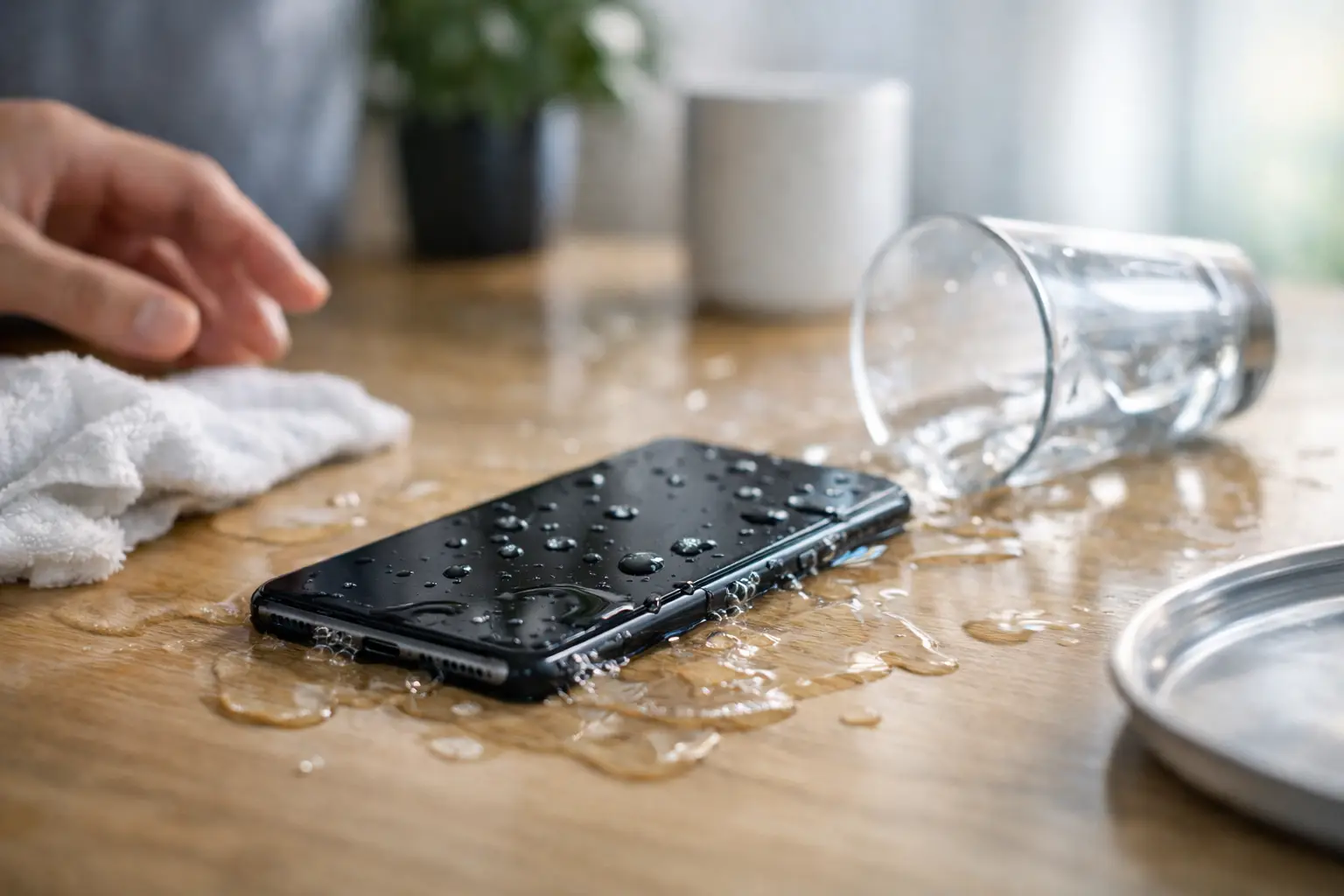
Your phone slipped into the sink, fell in the pool, or got caught in a Missouri downpour. The first hour after phone water damage can make a real difference. A quick, calm response may protect your data and keep a small repair from becoming a complete device replacement.
Modern phones often have some level of water resistance, but that is not the same as waterproof. Seals wear down, prior drops can create tiny openings, and water can still reach charging ports, speakers, cameras, batteries, and internal connectors. Even if the phone turns on after getting wet, hidden moisture may cause corrosion later.
What to Do Right After Phone Water Damage
Start by removing the phone from the water and powering it off immediately. If the screen is black, do not keep pressing buttons or try to restart it. Electricity and moisture are a bad combination, and turning the device on can send power through components that are still wet.
Take off the case, remove any attached accessories, and gently wipe the outside with a clean, lint-free cloth. If your phone has a removable SIM tray, take it out. This gives moisture another place to escape and lets a technician check for liquid exposure inside the tray area.
Hold the phone with the charging port facing down and give it a few gentle taps against your hand. The goal is to let loose water drain out, not to shake the device hard. Aggressive shaking can push moisture farther into the phone.
Once the outside is dry, leave the device in a dry area with moving air. A fan on a low, cool setting nearby can help. Do not place the phone directly against a heater, on a radiator, or in direct high heat. Internal adhesives, screens, batteries, and delicate components do not respond well to extreme temperatures.
If the phone was exposed to saltwater, soda, coffee, pool water, or another liquid besides clean water, professional cleaning becomes even more urgent. Those liquids leave behind minerals, sugar, chlorine, or other residue that can continue damaging the phone after the moisture itself has evaporated.
What Not to Do With a Wet Phone
The mistakes people make after a water incident are often understandable. You need your phone for work, school, family, navigation, banking, and everything else. Still, trying a few common home fixes can make the damage worse.
Do not plug it in. This includes wired charging, charging docks, and battery packs. If the charging port has moisture, electricity can damage the port or internal charging circuit. Many newer phones will show a moisture warning when a cable is connected. Take that warning seriously.
Do not use a hair dryer, oven, microwave, compressed air, or heat gun. Heat can warp components and weaken seals. Compressed air may drive water deeper under the screen, into cameras, or across the logic board.
Rice is also not the solution people hope it is. It does not remove residue from contaminated liquid, does not reliably pull moisture from inside the phone, and can leave dust or starch particles in ports. A phone may seem fine after sitting in rice, then fail days or weeks later because corrosion continued unnoticed.
Do not repeatedly test the phone by turning it on. If it is already powered down, leave it down until it has been inspected or has had enough time to dry properly. If it is still on and functioning, save anything critical only if you can do so without charging or stressing the device, then turn it off.
Why a Phone Can Fail Days After Getting Wet
Water damage is rarely a simple yes-or-no problem. A device can look normal at first, then develop a charging issue, weak speaker, foggy camera, touch-screen problem, battery drain, or random restart several days later.
The reason is corrosion. When moisture and contaminants reach metal contacts and circuitry, they can begin breaking down those surfaces. That process may continue after the phone feels dry on the outside. Clean water generally creates less residue than saltwater or sugary drinks, but any liquid exposure deserves attention.
The amount of risk depends on several factors: how long the phone was submerged, what liquid it contacted, whether the device was already cracked, and whether it was powered on or plugged in. A quick splash on a newer, undamaged phone may only require careful drying and monitoring. A phone dropped into a pool, toilet, lake, or drink should be checked as soon as possible.
Signs You Need Professional Water Damage Repair
A technician can inspect the device, look for liquid indicators, assess corrosion, and identify which parts are affected. Free diagnosis is especially helpful when the phone has more than one symptom or you are unsure whether repair makes financial sense.
Bring the phone in promptly if you notice any of these issues:
- The phone will not power on, charge, or hold a charge.
- The screen flickers, has lines, dark spots, or unreliable touch response.
- The speaker sounds muffled, the microphone cuts out, or calls sound distorted.
- Cameras appear foggy, fail to focus, or will not open.
- The phone overheats, restarts, or shows a liquid or charging warning.
- Buttons, Face ID, fingerprint recognition, or wireless charging stop working.
A professional inspection is not just about getting the phone to turn back on. It is about finding the full extent of the issue before corrosion spreads. Depending on the device and damage, service may involve internal cleaning, charging-port repair, battery replacement, screen replacement, camera repair, or component-level work.
Protect Your Data Before a Water Emergency
The best time to think about water damage is before it happens. Automatic cloud backups can make a stressful accident much easier to manage. Check that your photos, contacts, messages, and app data are backing up regularly, especially before travel, pool days, boating, or outdoor events.
A quality case can help with drops, but no case makes a phone invincible around water. Be cautious near sinks, bathtubs, beaches, and kitchen counters. Keep charging cables away from wet surfaces, and avoid putting a damp phone into a bag or pocket where moisture has nowhere to escape.
If your phone gets wet but still works, do not assume the problem is over. Watch for changes over the next several days, including unusual heat, battery loss, display trouble, or charging problems. Early service is usually simpler than waiting until the device stops working altogether.
Fast Help When Your Phone Cannot Wait
A wet phone can interrupt a work shift, leave a student without school access, or cut off a parent from the people who need them. That is why speed matters. At Mr. Mobile, experienced technicians can evaluate liquid-damaged devices, explain what they find in plain language, and help you choose the practical next step.
Sometimes a repair is the right answer. In other cases, severe internal damage or the cost of parts may make a certified pre-owned replacement the smarter choice. If the device cannot be restored, there may still be value in selling it rather than letting it sit in a drawer.
For now, keep the phone powered off, do not charge it, and get it checked sooner rather than later. The sooner moisture and residue are addressed, the better the chance of getting back to a working device.