
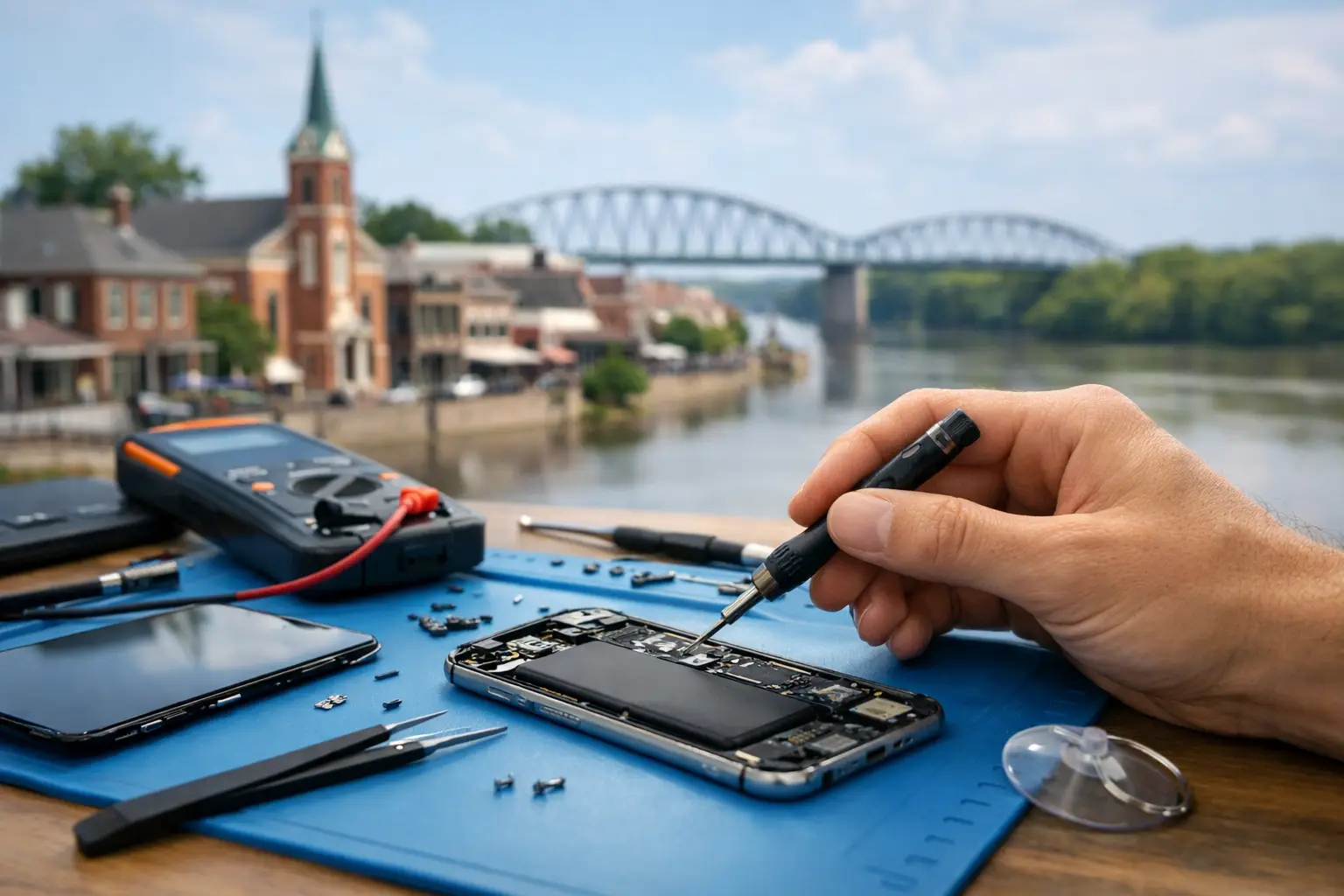
A cracked phone screen can turn a normal Tuesday into a scramble. A laptop that will not charge can stop work or school cold. When you need device repair St. Charles MO residents can count on, the goal is simple: get a clear answer, a fair repair option, and a working device without losing your entire day.
Replacing electronics is not always the fastest or most affordable answer. Many common problems can be repaired quickly with the right diagnosis, quality replacement parts, and experienced hands. From phones and tablets to computers, watches, and game consoles, a local repair shop can help you keep the device you already know and rely on.
When Repair Makes More Sense Than Replacement
A damaged device often looks worse than it is. A shattered screen may leave the phone fully functional underneath. A tablet that will not power on may have a battery, charging port, or software issue instead of a total failure. Even a game console that overheats may be repairable rather than ready for the trash.
Repair is usually worth considering when the device still meets your needs, the issue is limited to one component, and the repair cost is comfortably below the cost of replacement. It is also a practical choice when your photos, apps, work files, settings, and contacts are already on the device. Switching to a new device sounds easy until you are spending an evening resetting passwords and trying to restore what did not transfer.
There are times when replacement is the smarter call. If a device has multiple major failures, is no longer supported by the apps or software you need, or has extensive internal damage, putting more money into it may not make sense. A good technician should be direct about that trade-off. Free diagnostics help you make the decision with facts instead of guesses.
Device Repair in St. Charles MO Starts With the Right Diagnosis
The symptom you see is not always the part that failed. A phone that will not charge could have lint packed into the charging port, a worn-out cable, battery degradation, liquid damage, or a charging circuit issue. Replacing the battery without checking the rest of the device may not solve anything.
That is why diagnosis comes first. Bring in the device, explain what changed and when the problem started, and mention anything relevant, such as a recent drop, water exposure, software update, or battery warning. Small details can save time and help the technician identify the real issue.
At Mr. Mobile, diagnostic evaluation is free, so you can understand the problem before deciding how to proceed. For many routine repairs, the path from diagnosis to a working device is straightforward. For more complicated damage, the technician can explain the repair options, expected turnaround, and whether repair remains a sensible investment.
Screen Damage Is More Than a Cosmetic Problem
A cracked display is one of the most common repair needs, but it should not be ignored just because the phone still works. Cracks can spread, sharp glass can catch on fingers, and gaps in the screen can make the device more vulnerable to moisture and debris. On touch-screen devices, damage may also cause dead spots, flickering, black ink-like blotches, or touch input that starts selecting things on its own.
Screen replacement can restore a phone, tablet, iPad, smartwatch, or other display-equipped device to normal daily use. The quality of the replacement part matters. A screen should feel responsive, display clearly, and fit properly, not leave you dealing with poor touch performance a week later.
Battery and Charging Problems Need a Closer Look
If your battery drops from 40 percent to zero, the device gets unusually hot, or it only works when connected to a charger, it may be time for a battery evaluation. Batteries naturally wear down over time, especially in heavily used phones, tablets, and laptops.
Charging issues can look similar but may have a different cause. Before assuming the port is broken, try a known-good cable and adapter. If the problem continues, avoid forcing the connector or repeatedly wiggling the cable. That can cause additional damage. A technician can determine whether the solution is cleaning, a port repair, a battery replacement, or a deeper component repair.
Water Damage Calls for Fast Action
If a device gets wet, turn it off as soon as possible and do not plug it in. Avoid using a hair dryer, placing it on a heater, or counting on rice to solve the problem. Heat can damage sensitive components, and rice does not remove corrosion from inside the device.
The best next step is professional evaluation. Water damage is unpredictable because corrosion can continue after the device appears to recover. Fast assessment gives the device a better chance and helps you understand whether data recovery, component repair, or replacement is the best next move.
What Can Be Repaired?
Most people come in with one of two situations: they know exactly what happened, or they only know their device stopped working. Both are fine. Common repair categories include broken screens, failing batteries, charging ports, cameras, speakers, microphones, buttons, software trouble, and internal component issues.
A complete local repair shop should be equipped to work with more than just phones. That matters for households where every device has a job to do. A student may need an iPad for class, a parent may depend on a laptop for work, a gamer may have a console that will not turn on, and a family may have an older phone worth repairing for a child or backup line.
Mr. Mobile provides in-store repair for iPhones, Android phones, iPads, tablets, computers, Apple Watches, and game consoles. Many standard repairs can be completed the same day, often within 30 to 60 minutes. Timing depends on the device model, the damage, and the availability of the needed part, but fast service is especially valuable when your phone is also your wallet, map, work tool, and connection to family.
How to Get Your Device Ready for Repair
A little preparation protects your information and makes check-in easier. If your device still turns on, back it up before bringing it in. This is particularly important for phones and computers with photos, messages, school assignments, and work documents.
If possible, know your passcode and any account credentials that may be needed to test the repair. You do not need to share more information than necessary, but a technician may need access to confirm that the screen, camera, speakers, cellular service, or other functions work correctly after service.
Remove cases, chargers, and accessories unless they are connected to the issue. If you are bringing in a computer, include its power adapter when charging is part of the problem. And if the device has been exposed to water, tell the technician immediately. That detail affects how the device should be handled.
Convenience Matters When Your Device Is Essential
A repair shop should fit real life, not require you to rearrange it. Walk-in service is useful when the damage happens unexpectedly. Curbside service can help when you are traveling with kids, handling a busy schedule, or simply need to stay on the move. Mail-in repair is a useful option for customers outside the immediate area who still want a trusted team to inspect their device.
Speed should never mean skipping the basics. A proper repair includes testing the device after service, checking that the replacement part works as expected, and making sure the original issue has been addressed. Quick turnaround is valuable because it reduces disruption, but careful work is what makes the repair worthwhile.
If Repair Is Not the Best Answer, You Still Have Options
Sometimes the numbers point toward another path. If repair is not the right fit, a certified pre-owned unlocked phone can be a lower-cost alternative to buying a brand-new model. Refurbished iPhones and Samsung Galaxy phones can be especially helpful for families replacing a broken device, shoppers avoiding carrier restrictions, or anyone who wants a dependable phone without a major monthly payment.
You can also sell used or broken electronics instead of leaving them in a drawer. That old phone, tablet, smartwatch, or console may still have value, even if it needs work. Selling it can put money toward a repair or replacement while keeping electronics in use longer.
A Better Next Step Than Living With a Broken Device
You do not have to keep using a phone with glass shards across the screen or a laptop that only works at one angle. Start with a diagnosis, ask what the repair will solve, and compare the cost with the real inconvenience of replacement. The right answer may be a quick repair, a refurbished replacement, or selling a device that has reached the end of its useful life.
The helpful move is to get a clear answer early. The sooner you know what is wrong, the sooner you can get back to a device that works when you need it.