
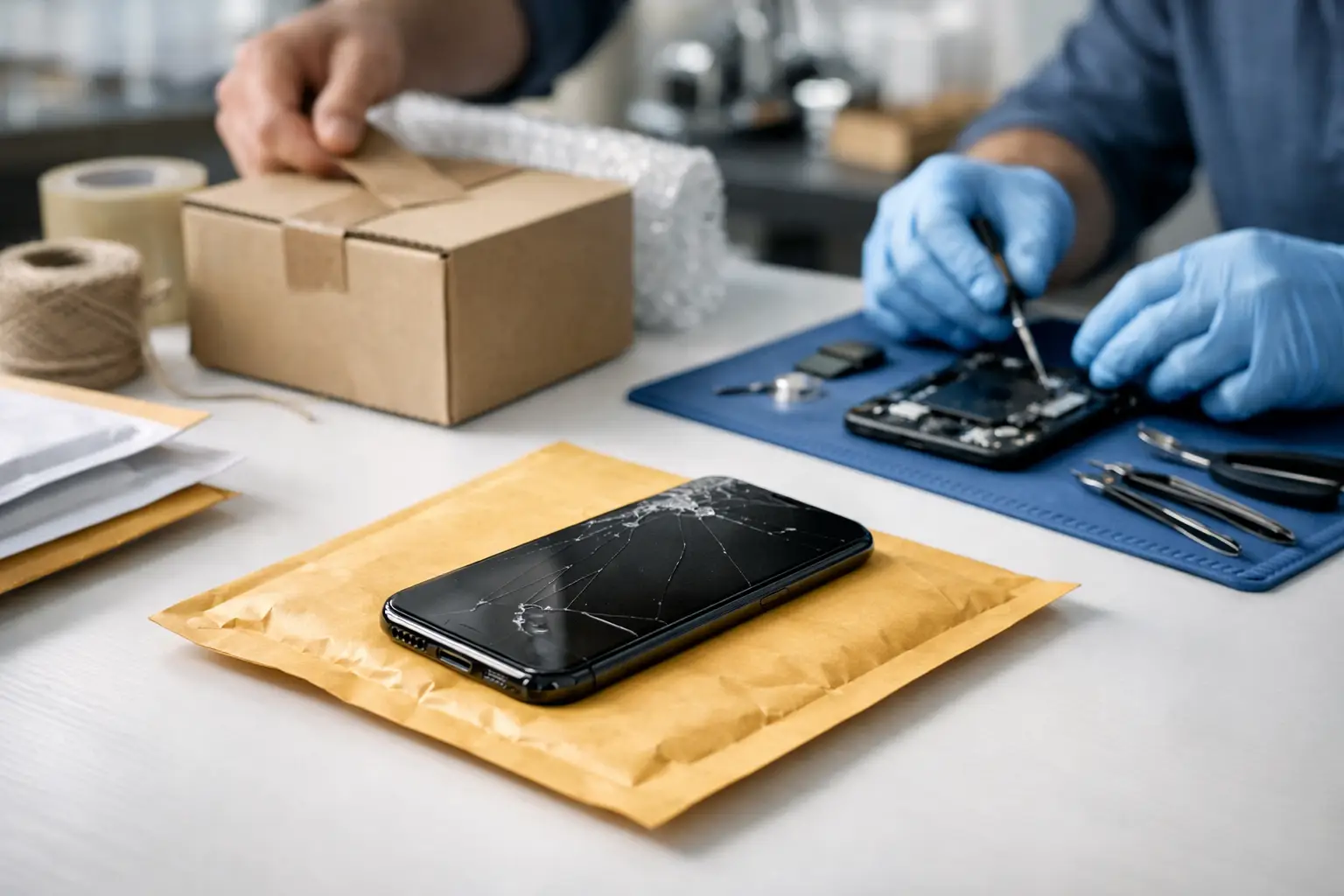
A cracked screen does not wait for a convenient day. Neither does a phone that will not charge, a battery that drains before lunch, or a device that suddenly will not turn on. Mail in phone repair gives you a practical option when getting to a repair shop is difficult, your schedule is packed, or you want skilled help without replacing a phone that may still have plenty of life left.
For many people, sending in a device is less disruptive than living with damage for weeks or buying an expensive replacement. The key is knowing what the process looks like, what to do before shipping, and when mail-in service makes more sense than a local walk-in repair.
How Mail In Phone Repair Works
The process should be straightforward: tell the repair team what is happening, receive a quote or repair assessment, send in the device, and get your working phone back. A good repair provider will make the next step clear even if you are not sure what is wrong.
You may know the exact problem, such as a shattered iPhone screen or a Samsung charging port that only works at a certain angle. Or, you may only know that your phone freezes, overheats, will not connect to Wi-Fi, or has stopped powering on. That is where a professional diagnosis matters. The visible damage is not always the whole problem.
At Mr. Mobile, technicians work with iPhones, Android phones, tablets, iPads, computers, Apple Watches, and game consoles every day. That hands-on experience matters when a device has more than one issue, such as a cracked display and weak battery after a hard drop.
Once the device arrives, the technician evaluates the reported problem and checks for related damage. After the repair is approved, the needed component is replaced or the issue is addressed, the device is tested, and it is prepared for return shipping. The goal is not simply to install a part. It is to return a device that works properly for the way you use it.
When Sending Your Phone In Makes Sense
Mail-in service is a strong choice when the repair you need is worth more than the travel time to a store. It can be especially helpful for people outside the immediate St. Charles and greater St. Louis area, parents juggling school and work schedules, students without transportation, or professionals who cannot step away during business hours.
It also works well for repairs that do not require you to make an instant decision in person. A cracked screen, failing battery, damaged charging port, broken camera, speaker issue, or software-related problem may all be good candidates for shipment after the device has been assessed.
There is a trade-off. Shipping adds transit time, so mail-in repair is usually not the best answer if you need your phone back within the hour. For customers close to a repair location, a walk-in repair may be faster. Many in-store repairs can be completed the same day, often in 30 to 60 minutes depending on the device and repair needed.
But if the choice is between mailing a repairable device or paying for a new phone you did not plan to buy, mail-in service can be the smarter move. Repairing a quality device often costs less than replacing it, and it helps you keep the photos, apps, settings, and familiar setup you already rely on.
Prepare Your Phone Before You Ship It
A few minutes of preparation can protect your information and help the repair move faster. Start by backing up your device if it still turns on. Use your preferred cloud backup, computer backup, or both. A repair team works carefully, but any electronic service carries some risk, especially if the device already has serious damage or is unstable.
Next, remove your SIM card if possible. If you use an eSIM, contact your carrier only if your specific situation requires it. You should also remove phone cases, screen protectors that are not needed for shipping protection, detachable accessories, and any personal items stored with the device.
Turn off any screen lock only when instructed by the repair provider. Technicians may need access to test features such as the touchscreen, cameras, speakers, charging, cellular service, and Face ID or fingerprint functions. If you are uncomfortable sharing your passcode, ask what testing can be completed without it and whether you can provide access another way.
For Apple devices, Find My must typically be disabled before service can be completed. Android users should remove factory reset protection or Google account locks when instructed. These security features are valuable when a phone is lost, but they can prevent repair testing and final setup when the device is intentionally sent in for service.
Before packing, take clear photos of the phone from all sides. Capture the screen, back glass, frame, cameras, and charging port area. This gives you a record of the device’s condition before shipment. Include a note with your name, contact details, device model, return address, and a short description of the problem if the service provider asks for one.
Pack It Like the Device Matters
Your phone may be small, but it needs real protection in transit. Wrap it in bubble wrap or another cushioned material, place it in a sturdy box, and make sure it cannot shift around inside. A loose phone in an oversized box can suffer more damage before it reaches the technician.
Do not send chargers, cables, cases, earbuds, or original packaging unless they are specifically needed to diagnose the issue. In most cases, the phone itself is enough. Sending only what is necessary reduces the chance of an accessory being misplaced and keeps return shipping simpler.
Use a shipping option with tracking and keep your receipt until your device is safely returned. If the carrier offers insurance, consider the value of the phone and your comfort level with the coverage. This is especially worthwhile for newer flagship phones and devices with a high resale value.
What a Quality Repair Should Include
The lowest quote is not always the lowest overall cost. A poor-quality screen can have weak brightness, inaccurate touch response, odd colors, or reduced durability. An inexpensive battery may not hold a charge as expected. A repair should focus on parts quality, accurate installation, and testing after the work is complete.
Ask what is included in the repair price, whether a diagnostic assessment is available, and what happens if the technician finds a second issue after opening the device. Clear communication matters. You should not feel pressured into approving extra work without understanding why it is needed and what it will cost.
It also helps to ask about warranty coverage for the repair. A warranty does not mean a device can never develop a different problem, especially after water exposure, severe impact, or prior damage. It does show that the repair provider stands behind the part and labor under its stated terms.
Repair, Replace, or Sell Your Device?
Not every phone should be repaired. If a device is very old, has major board damage, cannot receive the software or security support you need, or requires several costly repairs at once, replacement may be the more sensible choice. A technician can help you compare the repair cost with the phone’s remaining value and expected usefulness.
If replacement is the better route, a certified pre-owned unlocked phone can reduce the cost without forcing you into a brand-new flagship price. If your broken device still has value, selling or trading it in may also help offset the next purchase.
The right answer depends on the condition of your phone, the repair needed, and how long you expect to keep it. What should not happen is replacing a device automatically when a qualified repair could give it another year or two of dependable service.
A damaged phone can interrupt work, school, family plans, and the small tasks that fill every day. If an in-store visit is not practical, mail in phone repair offers a clear path forward: protect your data, package the device carefully, get an honest assessment, and let an experienced technician help you get back to a phone you can count on.