
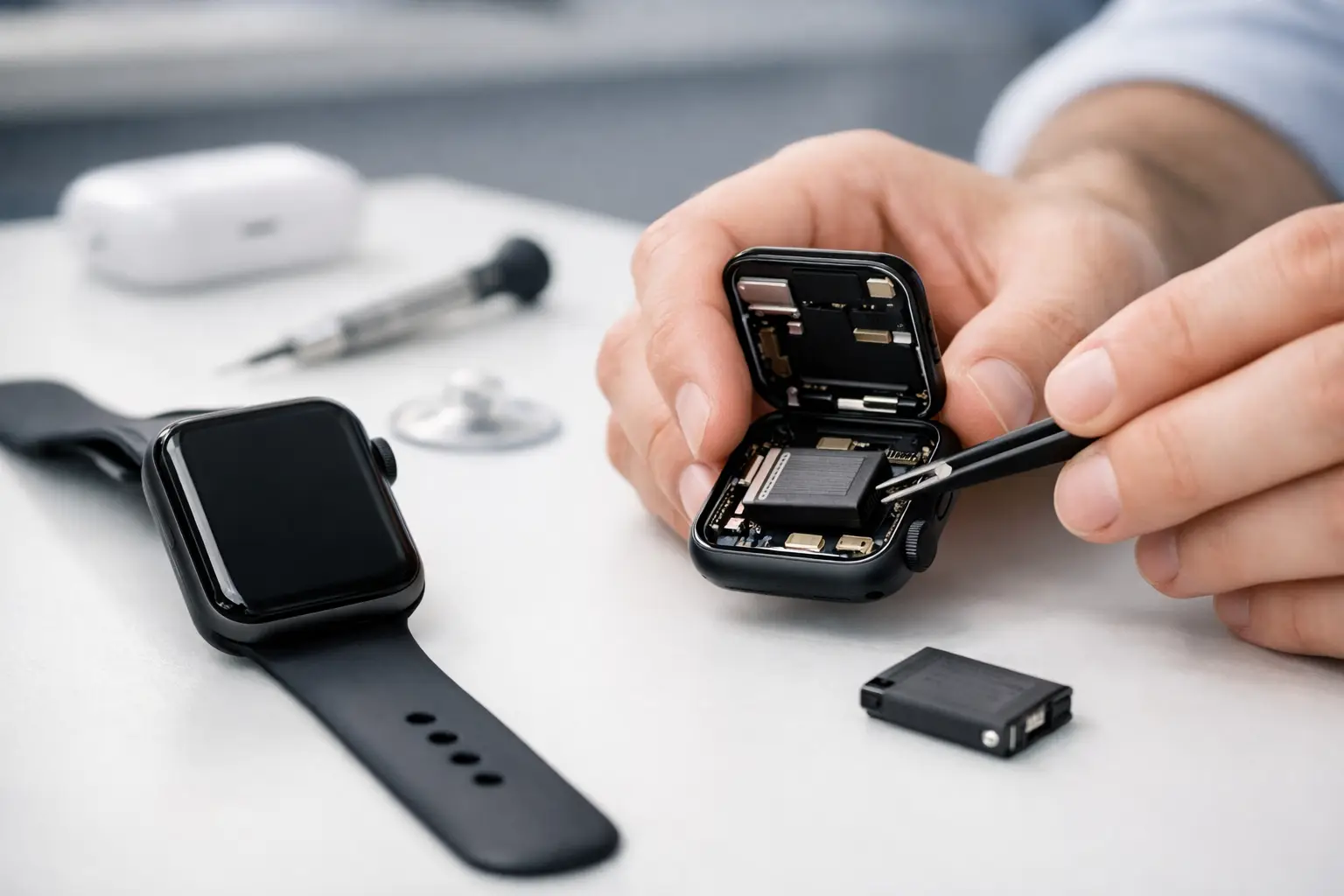
Your Apple Watch used to make it through work, errands, a workout, and the ride home. Now it is at 20% before lunch, shuts down during a walk, or needs to live on its charger. Apple Watch battery replacement may be the practical fix, but a worn battery is not the only reason a watch loses power quickly.
For most people, the goal is simple: get a dependable watch back without paying for a whole new device. A professional diagnosis helps separate normal battery aging from software issues, charging problems, or internal damage that needs a different repair.
Signs Your Apple Watch Battery Is Worn Out
Rechargeable batteries wear down gradually. You may not notice the change at first, because losing a little capacity over several months is normal. Eventually, though, the watch stops matching the way you use it.
A battery replacement becomes worth considering when your watch consistently needs more than one charge per day, even with ordinary use. Fast battery drain while the watch is sitting idle, unexpected shutdowns above 10%, and a watch that gets unusually warm while charging can also point to a battery that is no longer performing as it should.
Start by checking battery health on the watch. On many Apple Watch models, open Settings, choose Battery, then Battery Health. Maximum Capacity gives you a general picture of how much charge the battery can hold compared with when it was new. A lower number does not automatically mean the battery is failing, but it is useful evidence when paired with short run time or random shutdowns.
Battery health is only part of the story. A watch with 85% maximum capacity may still be fine for someone who wears it casually. For a nurse working long shifts, a parent tracking school pickups, or a runner relying on workout data, that same battery life can become a daily problem.
When the Problem Is Not the Battery
Before scheduling an Apple Watch battery replacement, consider what changed. A recent watchOS update, a new app, constant cellular use, frequent notifications, or a workout running in the background can drain power faster than usual. Give the watch a restart, install current updates, and watch its battery use for a day or two.
Charging equipment matters, too. A damaged cable, weak power source, dirty charging surface, or misaligned magnetic charger can make it seem like the watch is charging when it is not reaching a full charge. If your watch charges slowly or drops power immediately after being removed from the charger, the charging system should be checked along with the battery.
Physical damage can create similar symptoms. A hard impact, cracked screen, liquid exposure, or bent housing may affect internal components that manage power. Replacing a battery without identifying that damage first can leave you with the same issue and an unnecessary repair bill. That is why a free diagnostic evaluation is useful: it gives you a clearer answer before work begins.
A Swollen Battery Needs Prompt Attention
If the screen is lifting away from the watch body, do not press it back down or keep wearing the watch. A swollen battery can push the display upward, damage internal flex cables, and create a safety concern.
Stop charging the device, remove it from your wrist, and bring it in for professional inspection. Avoid trying to open the watch at home. Apple Watches are compact, tightly assembled devices, and a damaged lithium-ion battery can be punctured easily during a DIY attempt.
What Happens During Apple Watch Battery Replacement
An Apple Watch is much smaller and more tightly packed than a phone. The screen must be carefully opened, internal connections must be handled correctly, and the watch needs to be reassembled with close attention to its seals and fit.
A technician begins by confirming the source of the battery complaint. If the battery is the issue, the failed part is removed and replaced with a quality replacement battery suited to the device. The watch is then tested for charging, power-on function, touch response, display performance, and basic operation before it is returned.
The exact turnaround depends on the Apple Watch model, the extent of damage, and parts availability. Many electronics repairs can be completed the same day, but it is better to get a clear estimate for your specific watch than to assume every model follows the same timeline. Mr. Mobile can inspect the device, explain the repair path, and provide a straightforward quote before you decide.
Repair vs. Replacing the Watch
Battery replacement is often a smart choice when the display, sensors, case, and charging function are otherwise in good shape. It can cost substantially less than buying another smartwatch and lets you keep your setup, bands, and familiar device.
Replacement may make more sense if your watch has multiple major issues. For example, a severely cracked display, water damage, failing Digital Crown, and weak battery can add up quickly. An older model that no longer supports the features you need may also be better traded in or replaced with a newer certified pre-owned device.
Think about how you use the watch, not just its age. If it still tracks your workouts, handles notifications, supports your daily routine, and only struggles with charge life, a new battery can be a practical extension of its life. If it is already limiting what you can do, put the repair estimate next to the cost of replacement and choose the option that gives you better value.
Can You Replace an Apple Watch Battery Yourself?
DIY repair kits can look like a bargain, but Apple Watch battery work has real trade-offs. The device is small, adhesive-heavy, and easy to damage when opening. A torn display cable, broken screen, misplaced seal, or punctured battery can turn a routine battery job into a more expensive repair.
Water resistance is another consideration. Apple Watches use seals and adhesives to help protect against moisture, but any time the device is opened, maintaining that protection requires careful reassembly. Even if your watch has never been in a pool, sweat, rain, handwashing, and everyday moisture make a proper seal important.
DIY can be reasonable for experienced repair hobbyists with the correct tools and a willingness to accept the risk. For most people, professional service is the simpler route: you save time, avoid working with a damaged battery, and get a technician to check for related problems at the same time.
How to Get More Life From a New Battery
A replacement battery restores capacity, but your charging habits still affect long-term performance. Try not to leave the watch in high heat, such as a parked car or direct summer sun. Heat is harder on batteries than normal daily charging.
Use a reliable charger and keep the back of the watch and charger clean so they connect properly. If you notice a sudden change in battery life after adding an app or changing settings, review those changes before assuming the new battery has failed.
Features such as cellular service, always-on display, GPS workouts, music streaming, and frequent notifications use more power. You do not need to turn off the features you enjoy, but knowing which ones affect battery life helps you make better choices on long days.
Get a Clear Answer Before You Replace It
A watch that dies early should not force you into buying a new one. Bring it in for an evaluation, explain when the battery problem started, and mention any drops, charging issues, or screen lifting you have noticed. The more complete the picture, the faster a technician can identify the right repair.
Your Apple Watch should support your day, not make you plan your day around the nearest charger. A quick diagnosis can tell you whether a battery replacement is the right move and help you get back to wearing it with confidence.